
Korea eSIM Guide 2026
Get an Airalo eSIM for the best value — 5GB for $16, instant QR activation, works on KT/SK networks. If you need unlimited data, go with Holafly ($19/5 days). Install before you fly, activate when you land.
Why Choose an eSIM for Korea?
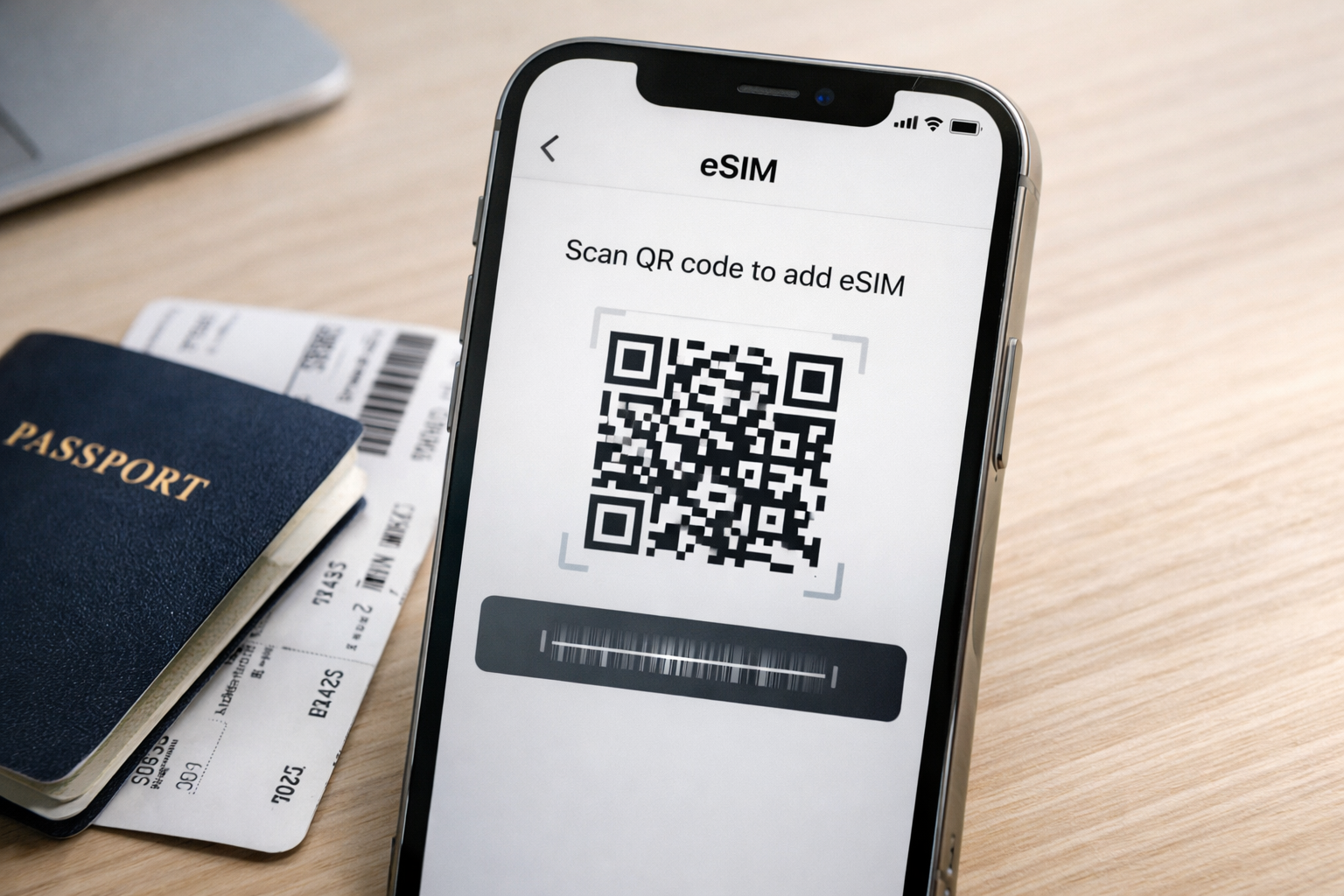
An eSIM lets you activate a Korean data plan instantly — no airport queues, no SIM swap, no tiny tools. Scan a QR code and you’re connected before your plane lands. Your home SIM stays active for calls and texts.
Prefer a physical SIM with a Korean phone number? See our Korea SIM card guide.
Best Korea eSIM Providers (2026)
- 1GB ($4.50) to 10GB ($26)
- SK Telecom / KT network
- Top-up in app if you run out
- User-friendly app
- 24/7 chat support
- Truly unlimited data
- No speed throttling concerns
- Stream, navigate, video call freely
- Slightly slower speeds (MVNO)
- No top-up needed
- KT’s full 5G/LTE network
- Best rural/mountain coverage
- 5GB high-speed + unlimited slow
- Pricier than third-party
- Airport or online purchase
How to Set Up a Korea eSIM
Check Phone Compatibility
Your phone must support eSIM: iPhone XS or later, Samsung Galaxy S20+, Google Pixel 3+. Go to Settings → Cellular to verify.
Purchase Online
Buy from Airalo, Holafly, or KT before your trip. You’ll receive a QR code via email immediately.
Install the eSIM (Before Flying)
Settings → Cellular → Add eSIM → Scan QR code. Do this at home on Wi-Fi. Don’t activate the data plan yet.
Activate When You Land
Turn on the eSIM data line when you arrive in Korea. Set it as your primary data line. Keep your home SIM for calls/texts.
Install the eSIM at home while on Wi-Fi. The plan timer doesn’t start until you activate data in Korea. This way you’re connected the moment you turn off airplane mode.
eSIM vs Physical SIM: Which to Choose?
| Feature | eSIM | Physical SIM |
|---|---|---|
| Setup | Instant (QR scan at home) | 10-15 min at airport booth |
| Korean phone number | Usually no (data only) | Yes, included |
| Keep home number | Yes (dual SIM) | No (swap required) |
| Price | $5-34 depending on data | $20-55 depending on duration |
| Best for | Short trips, dual-SIM phones | Longer stays, need Korean number |
Coverage & Speed in Korea
Korea has world-class mobile networks. Even budget eSIM plans deliver excellent speeds:
| Area | Expected Speed |
|---|---|
| Seoul / major cities | 50-300 Mbps (5G: 500+ Mbps) |
| Suburban areas | 20-100 Mbps |
| Rural / mountains | 5-30 Mbps |
| Subway (all lines) | Full coverage, including tunnels |
Frequently Asked Questions
Does my phone support eSIM?
Most phones from 2019 onward: iPhone XS/XR+, Samsung S20+, Google Pixel 3+, Huawei P40+. Check Settings → Cellular. If you see “Add eSIM” or “Add Cellular Plan,” you’re good.
Can I use eSIM and physical SIM at the same time?
Yes — that’s the main advantage. Your home SIM stays active for calls/texts while the eSIM handles Korean data. Set the eSIM as your “data” line in settings.
What if I run out of data?
Airalo: buy a top-up in the app instantly. Holafly unlimited: you won’t run out. Other providers: you’ll need a new plan.
Can I make calls with an eSIM?
Most tourist eSIMs are data-only. Use KakaoTalk, WhatsApp, or Line for calls over data. For local calls, get a physical SIM.
eSIM or pocket Wi-Fi for a group?
2 people: individual eSIMs are simpler and cheaper. 3+ people: pocket Wi-Fi ($5-8/day) lets everyone share, but you must stay close together.